
Top 10 Text-to-Video AI Tools to Transform Your Content in 2026
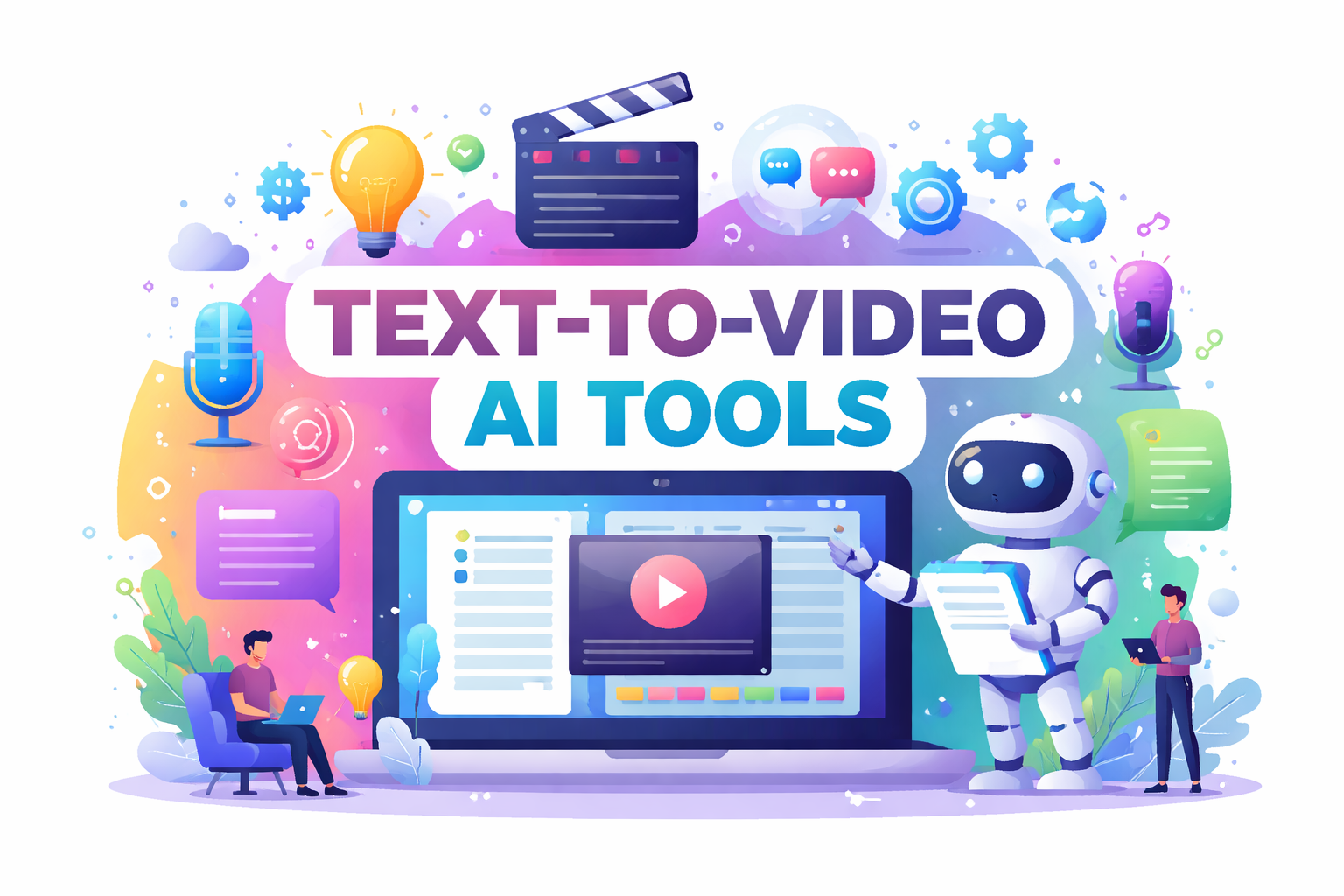
Video content has become the king of engagement. But what if you could create professional videos just by typing text? Thanks to AI, this is no longer a dream. Text-to-video AI tools can transform your written content into visually appealing videos in minutes, saving time, effort, and money.
Even if you are a marketer, content creator, educator, or business owner, these tools can help you communicate ideas faster and more effectively. In this article, we’ll list and explain the top 10 text-to-video AI tools, their features, pros and cons, and how to choose the right one for your needs.
What is a Text-to-Video AI Tool?
A text-to-video AI tool is a type of software that can turn your written words into videos automatically. Using artificial intelligence, these tools can create visuals that match what you’ve written, add animations and smooth transitions, and even include voiceovers or captions. They often come with ready-made templates, so you don’t have to start from scratch.
This makes video creation easy for anyone, even if you’ve never edited a video before. With these tools, you can quickly make professional-looking videos for social media, marketing, teaching, or any other purpose, without needing expensive equipment or complicated software.
Why Use Text-to-Video AI Tools?
Text-to-video AI tools are becoming increasingly popular because they save a lot of time and effort. Instead of spending hours or even days creating a video, these tools can turn your text into a polished video in just minutes. They’re also cost-effective, meaning you don’t need to hire expensive editors or buy complicated software to produce professional-looking content.
Beyond saving time and money, these tools make your videos more engaging and accessible. AI can generate visuals, animations, and voiceovers that grab attention, while features like automatic captions and translations ensure your content reaches a wider audience. Plus, text-to-video AI allows you to scale your efforts, making it easy to create multiple videos quickly for marketing campaigns, training sessions, or social media posts.
10 Text-to-Video AI Tools in 2026
Here’s our carefully researched list of the best text-to-video AI tools available today:
| Tool | Overview | Key Features |
|---|---|---|
| Pictory.ai | Converts long-form content like blogs or scripts into short, shareable videos. | AI-generated visuals and voiceovers, Automatic captions and highlights, Social media optimization |
| Synthesia.io | Create videos with AI avatars that can speak your script in multiple languages. | 60+ AI avatars, 120+ languages, Custom avatars for businesses |
| Lumen5 | Transforms text content like blog posts into videos optimized for social media. | Drag-and-drop interface, Library of stock images/video/music, AI suggests visuals based on text |
| InVideo | Versatile platform that converts text into video and provides pre-designed templates. | 5000+ templates, Text-to-speech AI, Collaboration features for teams |
| Designs.ai Videomaker | Turns scripts, blog posts, or captions into animated videos using AI. | AI-generated storyboard, Voiceovers in multiple languages, Branding customization |
| Raw Shorts | Turns text into animated explainer videos automatically. | Drag-and-drop editor, AI summarizes text into video-ready scripts, Extensive animation library |
| Veed.io | Combines text-to-video with advanced editing tools for social media and marketing. | AI subtitles and translations, Text-to-speech, Video transcription, Meme and social media tools |
| GliaStudio | Designed for news, blogs, and corporate content, turning articles into video summaries. | AI-generated narration, Stock images and clips integration, Fast video production |
| Rephrase.ai | Creates videos with realistic AI-generated human avatars from text. | Realistic avatar videos, Personalized video campaigns, Multiple languages |
| Wisecut | Simplifies video creation with AI-powered editing and text-to-speech features. | Auto-captioning and translation, Background music suggestions, Scene detection and trimming |
How to Choose the Right Text-to-Video AI Tool
Choosing the right text-to-video AI tool doesn’t have to be complicated. Start by thinking about what you want to achieve with your videos. Are you making content for marketing, teaching, social media, or just personal projects? Knowing your goal will help you focus on the tools that are best suited for your needs.
Next, pay attention to the features each tool offers. Look for templates, voiceovers, AI avatars, and customization options that match your style. Also, consider how easy the tool is to use; some are perfect for beginners, while others are better for advanced users.
Don’t forget about your budget, because free versions may include watermarks, while paid plans usually give full access to all features. Finally, check the output quality to ensure your videos look professional, with good resolution and smooth animations.
Tips for Creating Effective Text-to-Video Content
- Keep Text Short and Clear: When creating videos, less is often more. Videos are meant to be quick and visual, so long paragraphs or complex sentences can be hard to follow. Focus on short, simple text that conveys your message clearly, making it easier for viewers to stay engaged from start to finish.
- Use Engaging Visuals: AI tools can automatically suggest images or clips, but it’s important to choose visuals that truly match your message. The right visuals make your video more appealing and help viewers understand and remember your content better.
- Add a Voiceover: Adding a voiceover can make your video feel more personal and professional. Narration helps guide viewers through your content, keeps them interested, and improves information retention, especially for longer videos.
- Include Captions: Captions aren’t just helpful for viewers watching without sound; they also make your videos more accessible to people with hearing difficulties. Plus, search engines can read captions, which can give your video a boost in SEO and help more people find your content.
- Test and Iterate: Don’t expect to get everything perfect on the first try. Experiment with different AI tools, styles, and formats to see what resonates best with your audience. Testing and tweaking your videos over time will help you create more effective and engaging content.
Frequently Asked Questions on Text-to-Video AI Tools
1. What is a text-to-video AI tool?
A text-to-video AI tool is a type of software that can turn your written content into videos automatically. It uses artificial intelligence to generate visuals, add animations, and even include voiceovers, making it much faster and easier to create videos without needing advanced editing skills.
2. Who can use text-to-video AI tools?
These tools are designed for anyone who wants to create videos, including bloggers, marketers, educators, social media managers, and business owners. You don’t need prior video editing experience, which makes them accessible to beginners and professionals alike.
3. Are text-to-video AI tools free?
Many text-to-video AI tools offer free versions, but they often come with limited features or watermarks on the videos. Paid or premium plans usually unlock additional features like higher resolution, AI avatars, more templates, and extra customization options.
4. How do I choose the best text-to-video AI tool?
Choosing the right tool depends on your goals, the features you need, how easy it is to use, your budget, and the quality of the final video. Trying out a few different tools can help you find the one that fits your style and workflow best.